New in our Album Designer: Swap Left and Right Pages in One Click
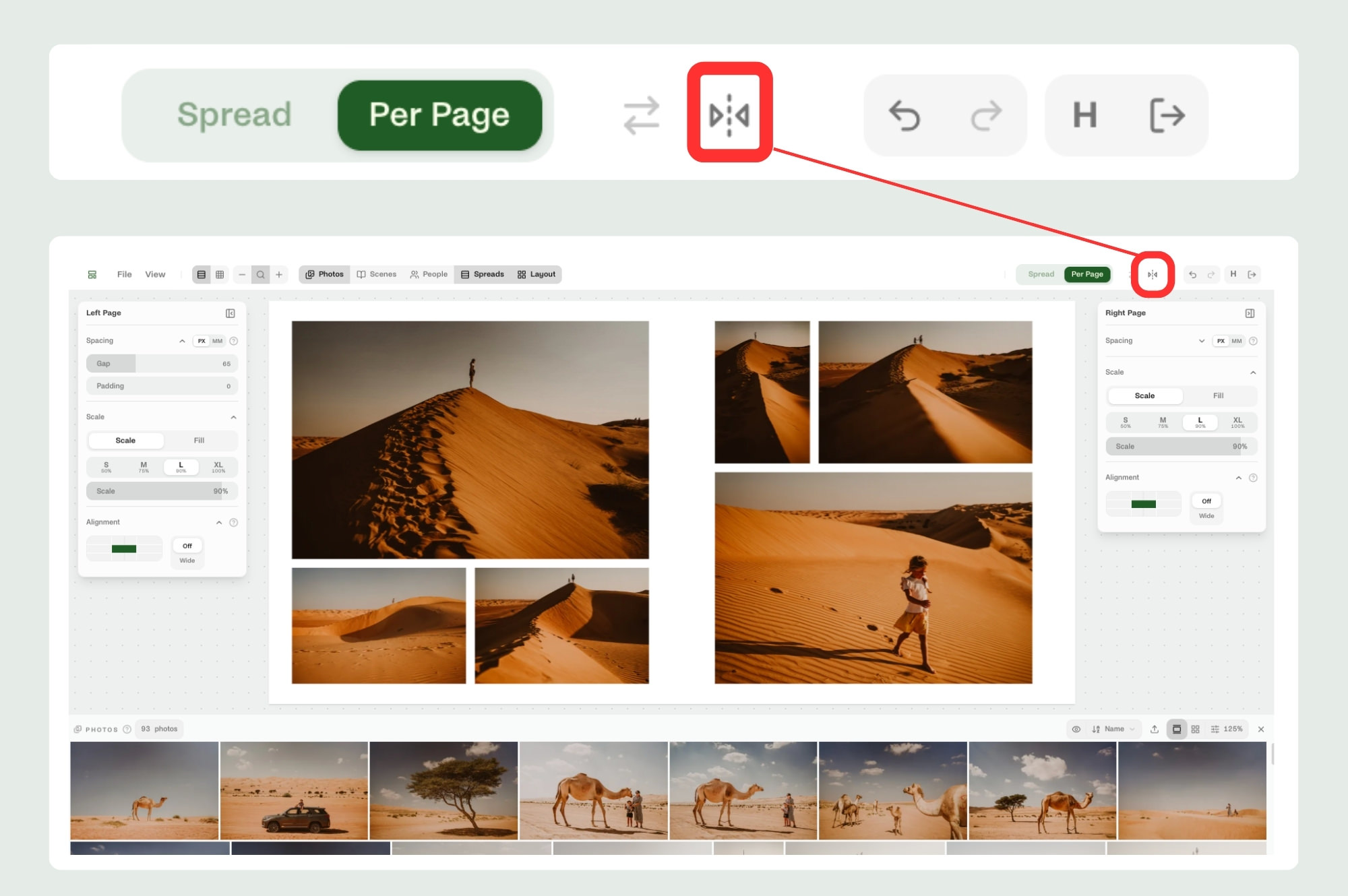
A small but very handy update has just arrived in our free Wooden Banana album designer.
You can now swap the left and right sides of a spread with one click.
Sometimes you design a spread and realise it would simply work better the other way around. Maybe the stronger image should sit on the right. Maybe the flow feels better if the layout is reversed. Maybe your designer brain just says, “Nope, swap it.”
Before, that meant moving things around manually. Now, you just click the new swap button and the designer switches the left and right pages for you.
The left page becomes the right page.
The right page becomes the left page.
It is a tiny feature, but one that makes album design feel much smoother. Less dragging. Less rebuilding. Less unnecessary fiddling when all you really wanted was to flip the spread and move on with your life.
Our goal with the Wooden Banana album designer is simple: make it easier for photographers to design albums quickly, confidently, and without fighting the software.
This little button is another step in that direction.
Try it in the free Wooden Banana album designer here: woodenbanana.spreadu.com


Subscribe for more with BaNaNA mail
Looking for tips about selling albums as a part of your photo business? You're in a good place. Subscribe for useful advice and more.