Match the spread background colour with the story.
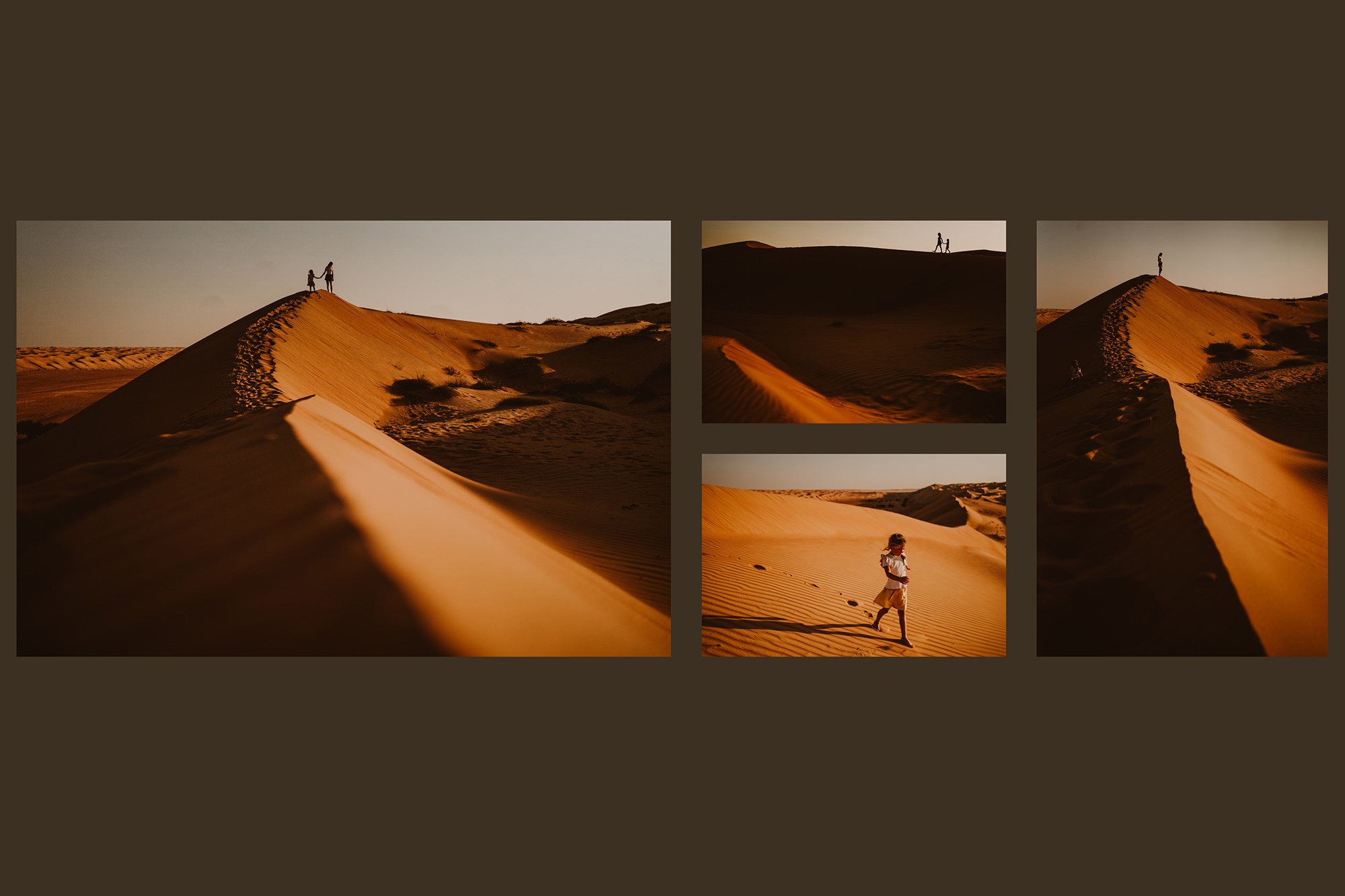
Spreadu now lets photographers change the background colour of individual album spreads.
This means you do not have to use the same white background throughout the whole album. You can keep most spreads clean and simple, then change the background colour when it suits the photographs better.
A darker background can work well for dramatic portraits, evening images, boudoir sessions or black and white photographs. Softer neutral colours can suit family albums, newborn sessions, outdoor galleries or warmer edits.
Changing the colour is simple. Open the layout sidebar, choose the spread you want to edit, and select a background colour. You can use one of the default colours or choose something more specific with the colour picker.
The idea is not to add colour everywhere, but to use it where it helps the design. One or two carefully chosen background changes can make certain spreads feel more finished, more intentional, or better matched to the mood of the gallery.
It is a small feature, but a useful one. It gives photographers more control over the look of the album without making the design process more complicated.


Subscribe for more with BaNaNA mail
Looking for tips about selling albums as a part of your photo business? You're in a good place. Subscribe for useful advice and more.